How to Measure Yard Size with GPS
Learn how to measure yard size with GPS using your phone and digital maps.
Measuring yard size with GPS is a quick way to estimate the area of your outdoor space for landscaping, gardening, fencing, or maintenance planning. Instead of guessing the size of a yard, you can use a GPS land measurement app to draw the boundary on a map and calculate the area in seconds.
This guide explains how to measure yard size with GPS and how to get better results.
Why Measure Yard Size
Knowing yard size is useful for:
- landscaping design
- sod estimation
- irrigation planning
- fertilizer planning
- fencing
- patio or pathway projects
A GPS yard measurement tool makes it easier to plan outdoor work with less guesswork.
How GPS Yard Measurement Works
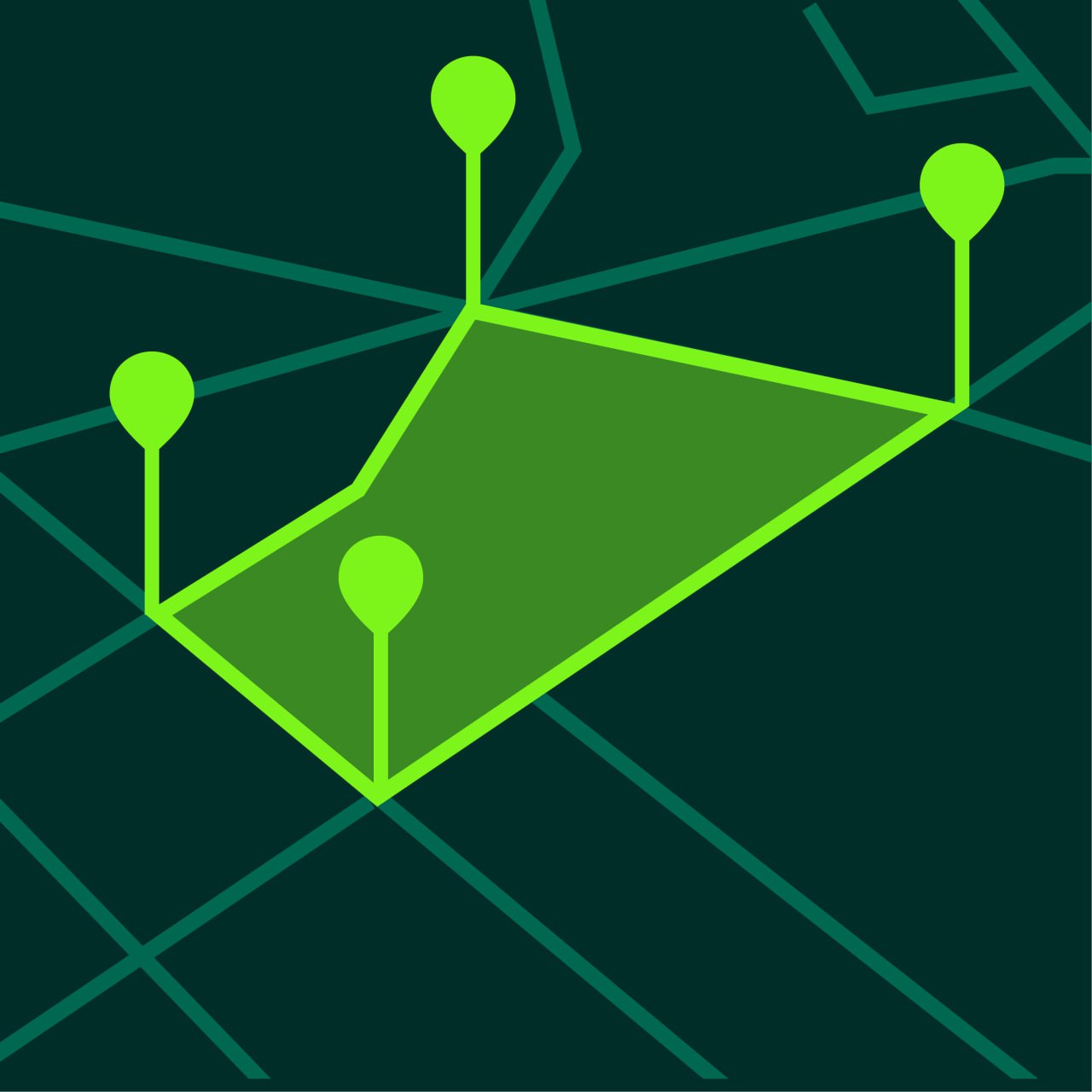
A GPS app measures yard size by letting you place points around the boundary of the yard.
The app then creates a polygon and calculates the enclosed area automatically.
This works well for:
- front yards
- back yards
- garden areas
- side yards
- irregular outdoor spaces
How to Measure Yard Size with GPS
Step 1 — Open a GPS Measurement App
Open a land measurement app such as GeoMark.
Step 2 — Find Your Property on the Map
Search for your home or navigate to your location.
Step 3 — Switch to Area Measurement Mode
Choose the area tool.
Step 4 — Place Points Around the Yard
Tap around the edges of the yard.
Add points at:
- corners
- curves
- garden edges
- structural boundaries
Step 5 — Close the Shape
Once the boundary is closed, the app calculates total yard area.
Step 6 — Review the Unit
Depending on your preference, the result may be shown in:
- square feet
- square meters
- acres for larger lots
Tips for Measuring Yard Size More Accurately
Zoom In
Yards often contain small edges and corners that are easy to miss.
Follow the Real Usable Boundary
Decide whether you are measuring the full lot or only the usable yard area.
Add More Points for Complex Layouts
Irregular landscaping and garden shapes need more points.
Save the Result
Saving the project helps with future landscaping or seasonal work.
Yard Size Measurement for Common Projects
Lawn Care
Area helps estimate mowing and treatment needs.
Sod or Seed Planning
Knowing the size helps estimate how much material is needed.
Irrigation Design
Area helps plan sprinkler coverage.
Hardscape Planning
Useful for patios, paths, and design layouts.
GPS Yard Measurement vs Manual Measurement
Manual yard measurement can be done with measuring tape, but it is slower and less practical for irregular shapes.
GPS measurement on a map is faster and often more convenient for general planning.
Common Mistakes When Measuring Yard Size
Measuring the Entire Lot Instead of the Yard
Decide what you want to include before placing points.
Ignoring Side Areas
Side yards and narrow strips can still affect total area.
Using Too Few Points
Simple shapes may work with fewer points, but detailed layouts need more.
Forgetting to Save the Measurement
Saved projects make future updates easier.
Frequently Asked Questions
Can I measure my yard with my phone?
Yes. GPS land measurement apps let you measure yard area directly on the map.
Is GPS yard measurement accurate?
It is accurate enough for landscaping, gardening, and planning in most situations.
Can I measure small areas too?
Yes. You can measure both small and large outdoor spaces.
Can I use satellite maps for yard measurement?
Yes. Satellite view is often the easiest way to see the yard boundary.
Measure Yard Area Easily with GeoMark
GeoMark helps you measure yard size, perimeter, and outdoor project areas directly on the map.
You can outline the yard, calculate area instantly, and save your project for later.