How to Measure Property Lines on a Map
Learn how to measure property lines on a map using GPS tools and digital maps on your phone.
Measuring property lines on a map is one of the most useful ways to estimate land boundaries before planning a project, buying land, or checking perimeter length. Modern GPS measurement apps make this process much easier by letting you place points directly on the map and calculate distances or enclosed area.
This guide explains how to measure property lines on a map, when this method is useful, and how to improve accuracy.
What Does Measuring Property Lines on a Map Mean
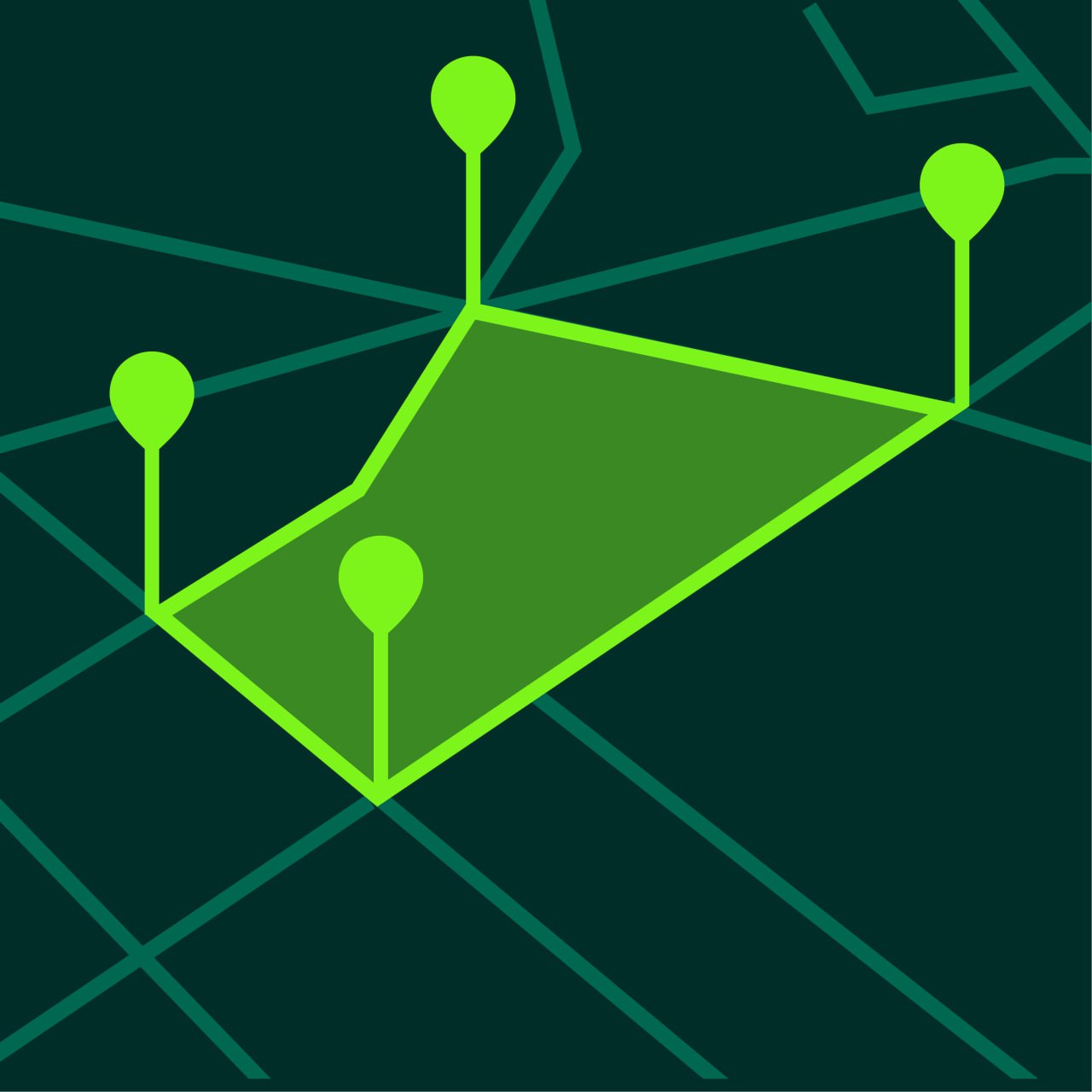
Measuring property lines on a map means placing points along the visible edge or expected boundary of a property and calculating the total distance or perimeter between those points.
This is useful for:
- estimating fence length
- checking lot size
- planning landscaping
- reviewing land layout
- preparing for land improvement projects
It is important to understand that map-based measurement is useful for estimation and planning. Official legal boundaries still require a professional survey.
When Property Line Measurement is Useful
Property line measurement is useful in many everyday situations.
Fence Planning
If you want to install a fence, measuring the boundary on a map helps estimate how much fencing material you may need.
Land Purchase Research
Before buying land, many people want a quick understanding of lot shape and size.
Yard and Garden Planning
Property edge measurement helps with planning irrigation, landscaping, or hardscape design.
Construction Preparation
Before placing a shed, driveway, or pathway, perimeter measurement can help with layout decisions.
How to Measure Property Lines on a Map
Step 1 — Open a GPS Measurement App
Open a GPS measurement app such as GeoMark.
Choose a map layer that clearly shows the land.
Satellite view is often the best choice because boundaries, roads, and natural edges are easier to recognize.
Step 2 — Zoom In on the Property
Locate the property on the map and zoom in.
This makes it easier to place points accurately.
Step 3 — Place Points at Boundary Changes
Place points at:
- corners
- turns
- curve changes
- visible edges
The more detailed the property shape, the more points you should add.
Step 4 — Review the Total Perimeter
After placing points around the property, the app calculates total boundary distance.
This is useful for estimating perimeter length.
Step 5 — Save the Project
Save the property line measurement so you can reopen it later and compare changes.
How to Improve Property Line Measurement Accuracy
Several simple steps can improve map measurement accuracy.
Use Satellite Maps
Satellite view usually makes boundaries more visible than standard map view.
Add More Points for Irregular Lots
Irregular property shapes need more points to match the true outline.
Zoom In Before Tapping
Zooming in reduces placement errors.
Check Multiple Map Layers
Sometimes terrain or standard map view makes roads and edges easier to interpret.
Property Lines vs Legal Boundaries
A map measurement app helps estimate boundaries visually.
It does not replace a professional land survey.
Use GPS and map tools for:
- planning
- estimating
- comparing areas
- checking perimeter length
Use professional surveys for:
- legal disputes
- registration
- official boundary confirmation
- building permits when required
Common Mistakes When Measuring Property Lines
Using Too Few Points
If you only place points at major corners, the perimeter may be less accurate.
Measuring While Too Zoomed Out
Small placement errors become bigger over long distances.
Confusing Roads or Vegetation with Boundaries
Visible map lines do not always match official ownership lines.
Assuming GPS Measurement is Legal Proof
Map measurement is a practical planning tool, not a replacement for certified surveying.
Frequently Asked Questions
Can I measure property lines on my phone?
Yes. GPS map measurement apps allow you to estimate property lines and perimeter directly on your phone.
Is measuring property lines on a map accurate?
It is accurate enough for most planning and estimation tasks, but not for legal boundary confirmation.
What map layer is best for property line measurement?
Satellite view is usually best because physical edges are easier to see.
Can I calculate perimeter and area together?
Yes. Most GPS land measurement apps allow you to calculate both.
Measure Property Boundaries More Easily with GeoMark
GeoMark helps you measure property lines, perimeter distance, and land area directly on the map.
You can place points, review results instantly, and save property measurement projects for later.