How to Measure Land Area with GPS on Your Phone
Step-by-step guide to measuring land area using GPS. Learn how to calculate field or property size accurately with a GPS measurement app.
Measuring land area with GPS is one of the easiest ways to estimate the size of a field, property, or plot of land. Modern GPS measurement apps allow you to calculate land area directly on the map without expensive equipment.
This guide explains how to measure land area using GPS and how to improve accuracy.
What is GPS Land Measurement
GPS land measurement is the process of calculating area using map coordinates and satellite positioning. Instead of using traditional tools, you can measure land directly on your phone.
GPS land measurement apps allow you to:
- Measure land area
- Measure property boundaries
- Calculate field size
- Estimate plot area
- Save measurements
Many landowners and farmers use GPS measurement apps because they are fast and easy.
How to Measure Land Area with GPS
Follow these steps to measure land area accurately.
Step 1 — Open a GPS Measurement App
Start by opening a GPS measurement app like GeoMark.
Allow location permissions so the app can access GPS data.
Step 2 — Select Area Measurement Mode
Choose the area measurement tool.
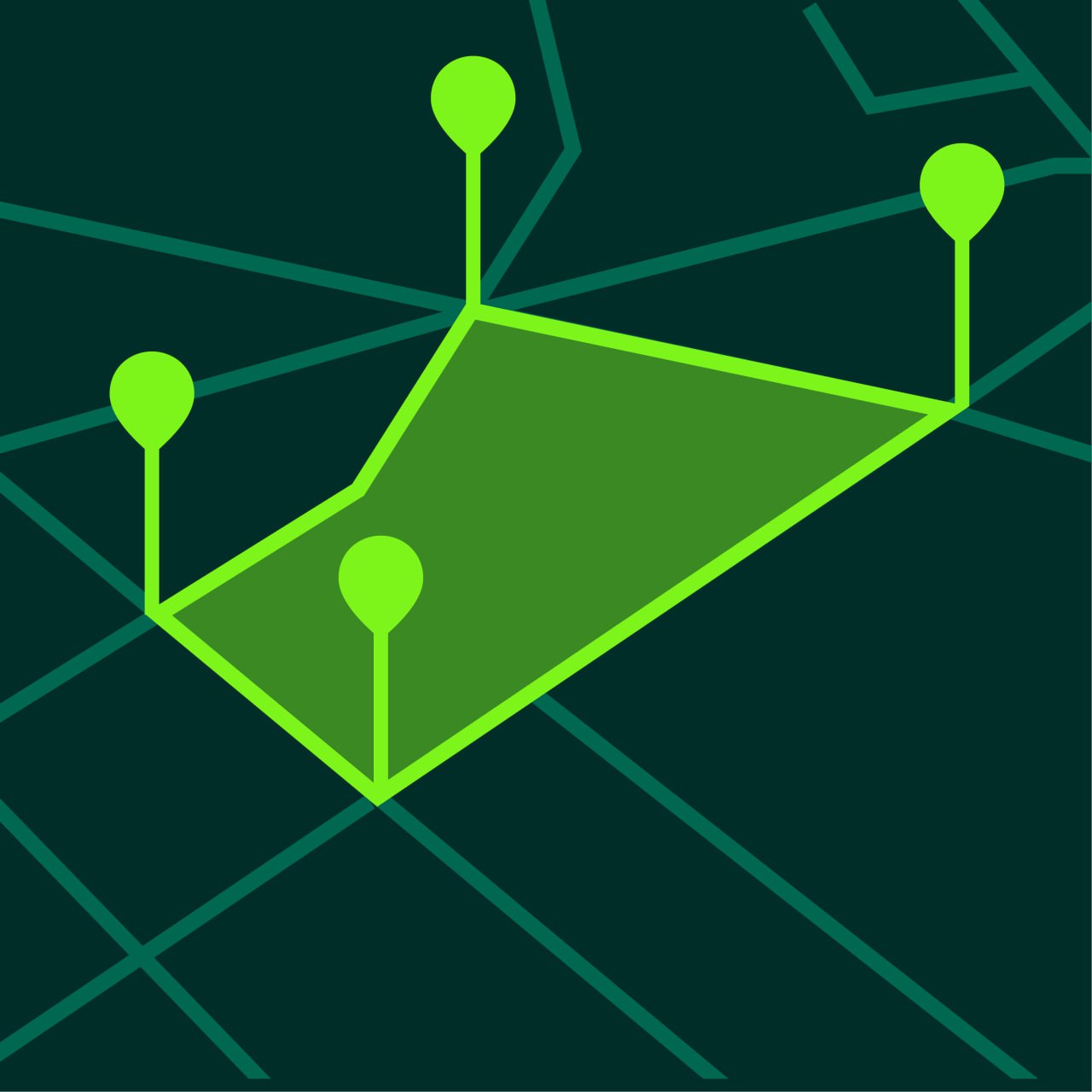
This mode allows you to create a polygon by placing points around the land boundary.
Step 3 — Place Points Around the Boundary
Tap on the map to place points along the edge of the land.
Add points at:
- corners
- curves
- direction changes
More points produce better accuracy.
Step 4 — Close the Polygon
After placing the final point, connect it to the first point.
The app will calculate the land area automatically.
Step 5 — Save the Measurement
Save the measurement for future use.
This allows you to return to the project later.
Tips for Accurate GPS Measurement
GPS measurements can be improved by following a few simple rules.
Measure in Open Areas
GPS signals are strongest in open areas.
Avoid:
- tall buildings
- dense trees
- indoor measurements
Wait for GPS Stabilization
Wait a few seconds before measuring so the GPS signal stabilizes.
This improves accuracy.
Add More Points
Irregular shapes require more points.
Adding more points increases accuracy.
Use Satellite Maps
Satellite maps make it easier to see boundaries.
This helps place points precisely.
How Accurate is GPS Land Measurement
GPS land measurement is usually accurate within a few meters.
Accuracy depends on:
- phone quality
- satellite signal
- environment
For most situations GPS measurement provides reliable estimates.
Professional surveys are still the most precise method.
When to Use GPS Land Measurement
GPS land measurement is useful for:
- farming
- landscaping
- property estimates
- construction planning
- gardening
It is ideal when you need fast area estimates.
Frequently Asked Questions
Can I measure land area with my phone?
Yes. GPS measurement apps allow you to measure land area directly on the map.
Is GPS measurement accurate?
Most GPS measurements are accurate within a few meters.
Do I need internet connection?
Maps usually require internet, but GPS works offline.
Can I measure large fields?
Yes. GPS measurement apps work well for both small and large areas.
Start Measuring Land Today
GeoMark allows you to measure land area and distance easily using GPS.
You can create measurements in seconds and save projects for later use.