How to Measure Irregular Land Area Accurately
Learn how to measure irregular land area accurately using GPS and map-based point placement.
Measuring irregular land area can be more difficult than measuring a square or rectangular lot. Curves, angled edges, narrow sections, and uneven boundaries make it harder to estimate size visually. A GPS measurement app solves this by letting you place enough points to follow the true shape of the land.
This guide explains how to measure irregular land area more accurately.
Why Irregular Land is Harder to Measure
Irregular land has a shape that is not simple or uniform.
Examples include:
- curved field edges
- angled property lines
- narrow connecting areas
- lots with multiple turns
- land around roads, ponds, or structures
When land is irregular, rough estimation is much less reliable.
The Best Way to Measure Irregular Land
The best way is to use an app that allows map-based area measurement with multiple points.
This works well because each point helps define the real shape of the land.
The more carefully you trace the outline, the better the final estimate.
How to Measure Irregular Land Area
Step 1 — Open a GPS Measurement App
Use a land measurement app such as GeoMark.
Step 2 — Locate the Land on the Map
Find the parcel, lot, yard, or field you want to measure.
Step 3 — Switch to Satellite View
Satellite imagery usually makes irregular edges easier to see.
Step 4 — Select Area Measurement
Choose the tool for area measurement.
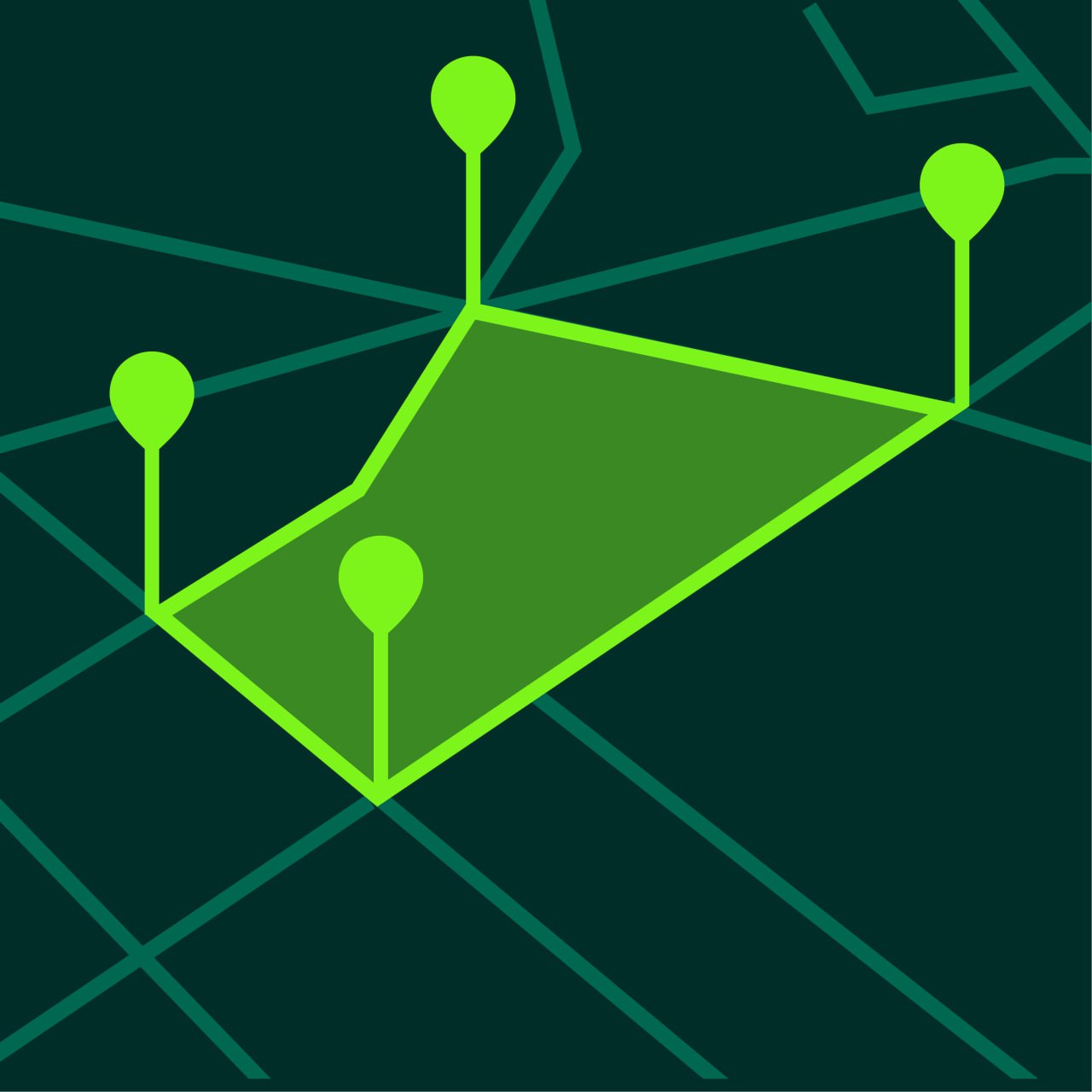
Step 5 — Place Points Around Every Shape Change
This is the most important step.
Add points at:
- corners
- bends
- curves
- narrow transitions
- edge changes
For irregular land, point placement matters more than speed.
Step 6 — Close the Shape
Finish the outline by connecting the last point to the first point.
Step 7 — Review and Save the Result
Check the final shape visually, then save the project.
Tips for Measuring Irregular Land More Accurately
Add More Points Than You Think You Need
Irregular shapes need detail.
More points usually produce a more realistic area estimate.
Zoom In Closely
This helps place points more precisely around curved or narrow edges.
Use Visible Landmarks
Roads, trees, paths, water edges, or fences can help interpret the land boundary.
Review the Shape Before Saving
Look at the completed polygon and check whether it matches the land.
Common Types of Irregular Land
Curved Field Boundaries
Fields near roads or natural terrain often have curved edges.
Multi-Corner Property Lots
Some lots have many turns instead of four main corners.
Land Around Structures
Buildings, ponds, or driveways can change the outline.
Landscaped Outdoor Areas
Gardens and yards often have non-uniform shapes.
Why Too Few Points Creates Errors
When you use too few points, the app draws straight segments between them.
That can cut across curves or miss narrow sections.
As a result, the area may be understated or overstated.
When Irregular Land Measurement is Most Useful
Irregular land measurement is useful for:
- landscaping projects
- field planning
- property estimates
- fencing preparation
- irrigation planning
- maintenance planning
Frequently Asked Questions
Can I measure irregular land with my phone?
Yes. GPS measurement apps are especially useful for irregular shapes because you can add many points.
How do I improve accuracy on curved edges?
Zoom in and add more points along the curve.
Is satellite view better for irregular land?
Usually yes, because shape changes are easier to see.
Can I save irregular land projects?
Yes. Most GPS land measurement apps support saved projects.
Measure Irregular Land More Easily with GeoMark
GeoMark helps you measure irregular land area by letting you place points directly on the map and calculate the full boundary accurately.
You can outline complex shapes, review the result instantly, and save the project for later.