How to Measure Fence Length on a Map
Learn how to measure fence length on a map using GPS tools and digital maps.
Measuring fence length on a map is a practical way to estimate how much fencing material you may need before starting a project. Instead of walking the perimeter with manual tools, you can place points on a digital map and calculate the total boundary length directly on your phone.
This guide explains how to measure fence length on a map and how to improve the result.
Why Measure Fence Length on a Map
Fence length estimation is useful for:
- material planning
- budgeting
- comparing design options
- checking perimeter size
- planning gates and access points
Map-based distance measurement is especially convenient when you want a quick estimate before doing physical work on-site.
What You Need
You only need:
- a smartphone
- a GPS measurement app
- the property or yard visible on the map
Satellite view usually works best because edges, structures, and boundary lines are easier to follow.
How to Measure Fence Length on a Map
Step 1 — Open a Distance Measurement Tool
Open a GPS land measurement app such as GeoMark.
Choose the distance measurement mode.
Step 2 — Find the Property or Plot
Locate the land on the map and zoom in.
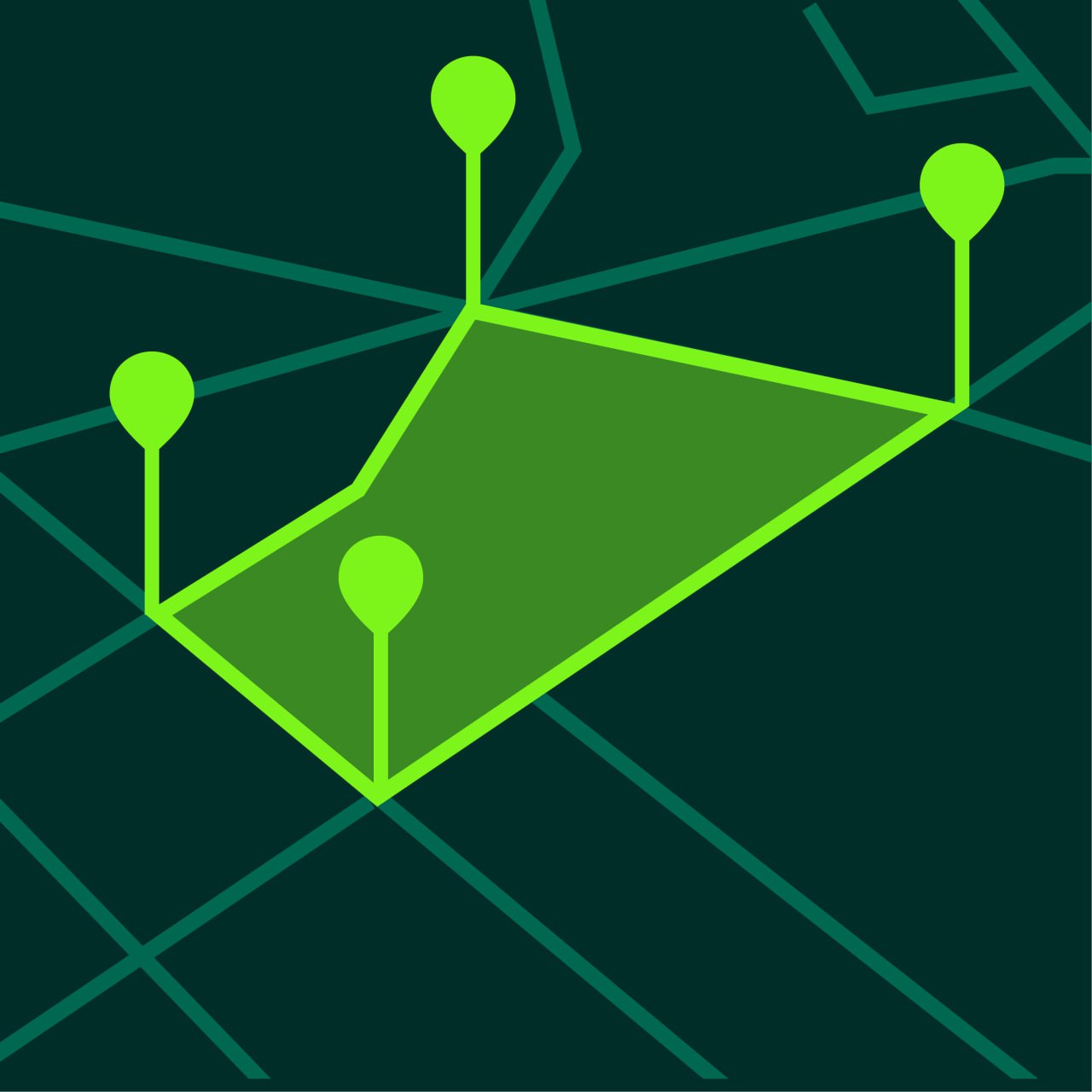
Step 3 — Place Points Along the Fence Route
Tap points along the line where the fence will go.
Add points at:
- corners
- bends
- narrow transitions
- gate locations if needed
Step 4 — Review the Total Distance
The app calculates the total length of all connected segments.
This gives you the estimated fence length.
Step 5 — Save the Measurement
Save the measurement so you can reopen it later when ordering materials or reviewing layout.
Measuring Existing vs Planned Fence Routes
You can use the same method in two different ways.
Existing Fence Measurement
Measure along the current visible fence line or property edge.
Planned Fence Measurement
Measure along the route where you intend to install a new fence.
This is useful when redesigning the property layout.
Tips for Better Fence Length Estimates
Use Satellite View
Satellite maps usually make boundaries easier to follow.
Zoom In Carefully
Fence routes often require precise corners and turns.
Add More Points on Curves
Curved fence lines need more points for a realistic total.
Double-Check the Route
Make sure you are measuring the exact path the fence will follow.
Why Fence Length Matters
Fence length affects:
- material quantity
- labor estimates
- gate planning
- project budget
- installation time
Even a rough difference in perimeter can change the total project cost.
Fence Measurement for Different Projects
Yard Fencing
Useful for residential planning and budgeting.
Property Boundary Fencing
Helps estimate long perimeter distances.
Farm or Field Fencing
Useful for larger land sections and perimeter management.
Garden Enclosures
Helpful for smaller projects where exact material estimates still matter.
Common Mistakes When Measuring Fence Length
Skipping Corners
Fence paths change direction often, and missing corners reduces accuracy.
Measuring the Wrong Boundary
Always confirm which edge or route you want to follow.
Forgetting Gates
Gate openings can affect the final materials plan.
Using Too Few Points
Simplified paths often understate the true length.
Frequently Asked Questions
Can I measure fence length on my phone?
Yes. Distance measurement apps allow you to calculate fence routes directly on a map.
Is map-based fence measurement accurate?
It is accurate enough for planning and estimation in most situations.
Can I measure both perimeter and area?
Yes. Many GPS apps support both.
What if the fence line is curved?
Add more points along the curve.
Measure Fence Length Faster with GeoMark
GeoMark helps you measure fence length, perimeter distance, and land boundaries directly on the map.
You can place points, calculate total length instantly, and save your measurement project for later.