How to Measure Distance on a Map Using GPS
Learn how to measure distance on a map using GPS tools. Step-by-step guide to measuring routes and paths accurately.
Measuring distance on a map is useful for planning routes, measuring property boundaries, calculating walking distances, and estimating travel paths. Modern GPS measurement apps allow you to measure distance accurately using your phone.
This guide explains how to measure distance on a map using GPS and how to get the most accurate results.
What Does Measuring Distance on a Map Mean
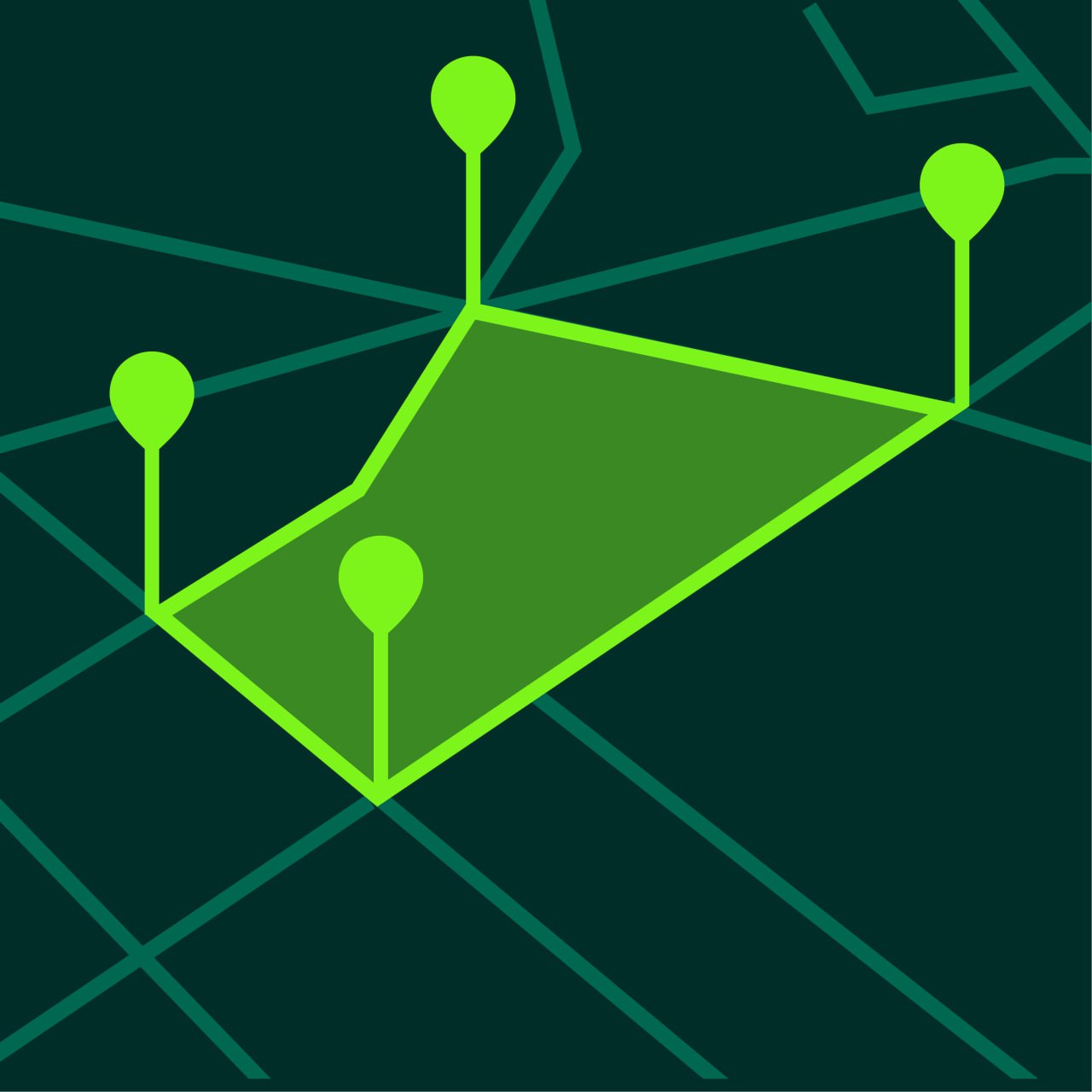
Measuring distance on a map means calculating the length between multiple points placed on a digital map. Instead of estimating distance visually, GPS measurement tools calculate the exact length of a path or boundary.
Distance measurement tools are used for:
- Walking routes
- Hiking trails
- Property boundaries
- Fence planning
- Road measurements
- Running and cycling routes
GPS measurement apps allow you to measure distances quickly and accurately.
How to Measure Distance on a Map
Measuring distance with a GPS measurement app takes only a few steps.
Step 1 — Open the Measurement App
Start by opening a GPS measurement app such as GeoMark.
Make sure location permissions are enabled so GPS data can be used.
Most apps automatically center the map on your current location.
Step 2 — Select Distance Measurement Mode
Choose the distance measurement tool.
Distance mode allows you to place multiple points along a path. The app calculates the total distance between all points.
Step 3 — Place Points Along the Route
Tap on the map to place points along the route or boundary.
Add points at:
- corners
- curves
- intersections
- direction changes
Straight routes require fewer points. Curved routes need more points.
Step 4 — Review the Total Distance
After placing points, the total distance appears automatically.
Most GPS measurement apps update distance in real time.
Step 5 — Save the Measurement
Saving the measurement allows you to return later and compare distances.
Saved projects help track measurements over time.
Measuring Walking Distance on a Map
Measuring walking distance is one of the most common uses of GPS measurement tools.
Walking routes can be measured by placing points along sidewalks or trails.
This is useful for:
- daily walks
- fitness planning
- hiking routes
- travel planning
Walking distance measurement helps estimate travel time.
For example:
- 1 mile walking distance usually takes about 20 minutes.
- 5 kilometers usually takes about one hour.
Measuring Property Boundaries
Distance measurement tools are useful for measuring property edges and boundaries.
You can measure:
- fence length
- perimeter distance
- road frontage
- driveway length
This helps estimate material costs and plan construction projects.
For example, measuring fence length helps estimate how much fencing material is required.
Measuring Routes for Running and Cycling
Runners and cyclists often measure routes before training.
Distance measurement helps:
- plan workouts
- track goals
- design routes
Instead of guessing distances, GPS measurement tools provide reliable results.
How Accurate is Map Distance Measurement
Distance measurement accuracy depends on several factors.
Most smartphone GPS measurements are accurate within a few meters.
Accuracy depends on:
- GPS signal strength
- environment
- phone quality
- number of measurement points
Open outdoor environments usually produce the best accuracy.
Urban environments with tall buildings may reduce accuracy.
Tips for Accurate Distance Measurement
Following these tips can improve measurement accuracy.
Add Enough Points
Add points wherever the route changes direction.
More points produce better accuracy.
Use Satellite View
Satellite maps make routes easier to see.
This allows more precise point placement.
Zoom In
Zooming in helps place points accurately.
Small errors can accumulate over long distances.
Measure Slowly
Take time to place points carefully.
Fast measurements often produce less accurate results.
When Distance Measurement is Most Useful
Distance measurement tools are useful in many situations.
Route Planning
Plan routes before traveling or exercising.
Property Planning
Measure boundaries and perimeters.
Construction Projects
Estimate lengths for materials.
Outdoor Activities
Measure trails and paths.
Map Measurement vs GPS Tracking
There are two main ways to measure distance.
Map Measurement
Points are placed on the map manually.
Advantages:
- fast
- flexible
- precise boundaries
GPS Tracking
Distance is recorded while moving.
Advantages:
- automatic
- real-time tracking
Map measurement is usually better for planning and estimating distances.
Frequently Asked Questions
Can I measure distance on Google Maps?
Yes, but specialized GPS measurement apps provide more tools and better measurement workflows.
How accurate is distance measurement on a map?
Most measurements are accurate within a few meters.
Can I measure curved routes?
Yes. Add more points along the curve.
Can I measure large distances?
Yes. GPS measurement apps can measure both short and long routes.
Start Measuring Distance Today
GeoMark allows you to measure distance on a map quickly and accurately.
You can create distance measurements in seconds and save projects for later use.