How to Measure a Field with GPS
Step-by-step guide to measuring a field with GPS using your phone.
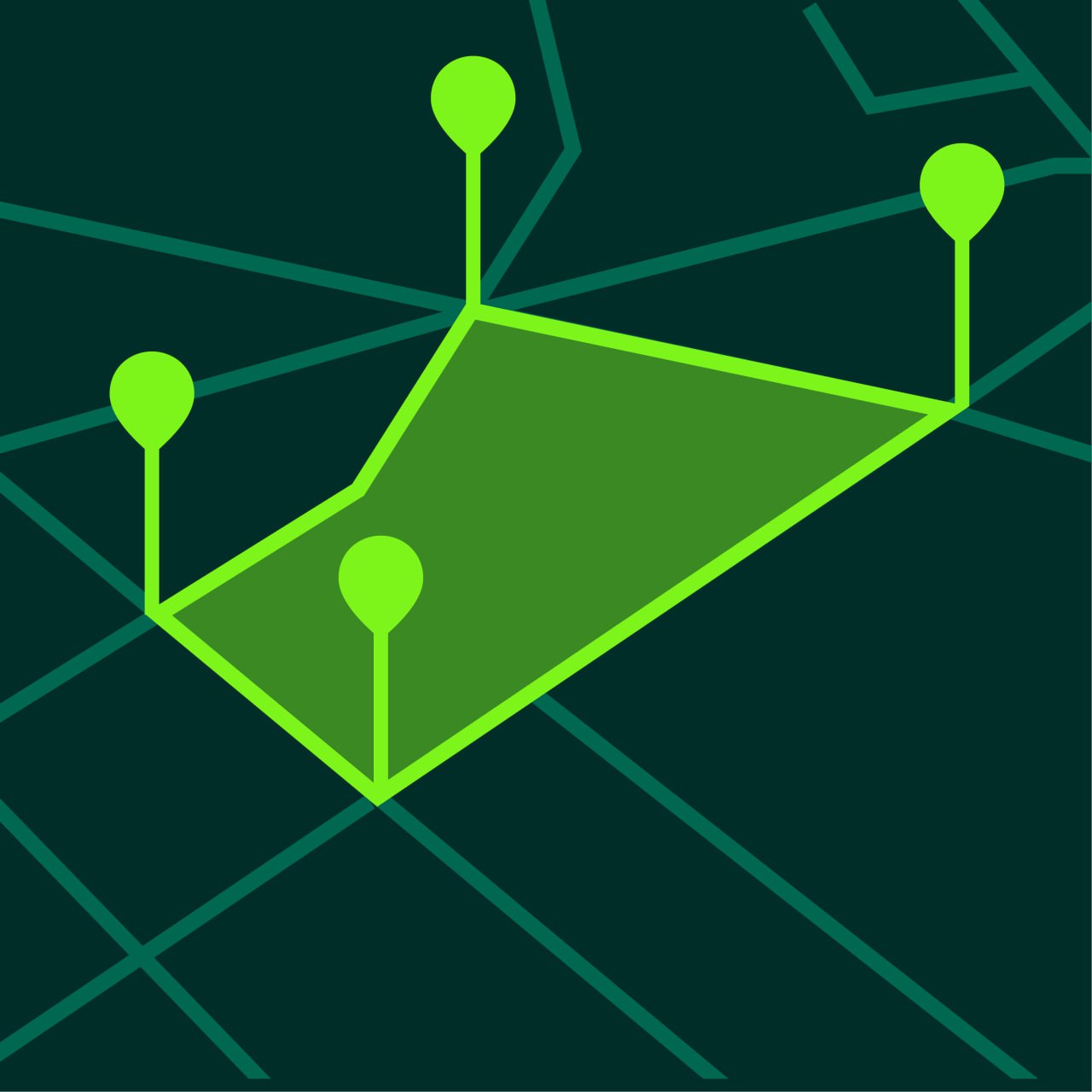
Measuring a field with GPS is one of the easiest ways to estimate field size for farming, planning, and land management. Instead of relying on manual methods, you can use your phone to place points around the field and calculate area or perimeter instantly.
This guide explains how field measurement with GPS works and how to do it accurately.
Why Measure a Field with GPS
Field measurement is useful for:
- crop planning
- irrigation planning
- fertilizer estimates
- yield tracking
- land management
- fencing estimates
A GPS field measurement app helps you work faster and keep measurements saved in one place.
What You Need to Measure a Field
You only need a few things:
- a smartphone
- a GPS land measurement app
- a visible field outline on the map
- enough time to place points carefully
In many cases, satellite view provides the clearest picture of the field boundary.
How to Measure a Field with GPS
Step 1 — Open the App
Open a GPS measurement app such as GeoMark.
Make sure GPS access is enabled.
Step 2 — Locate the Field
Find the field on the map.
If the field is large or irregular, zoom in and move around the map to inspect the edges.
Step 3 — Choose Area Measurement
Select area mode.
This lets you draw a boundary around the field.
Step 4 — Place Points Around the Field Edge
Place points around the outer edge of the field.
Add points at:
- corners
- curved edges
- narrow sections
- any change in direction
The goal is to match the real shape of the field as closely as possible.
Step 5 — Close the Boundary
Finish the shape by connecting the last point to the first.
The app calculates total field area automatically.
Step 6 — Review the Unit
You can usually switch between:
- acres
- hectares
- square meters
Choose the unit that fits your use case.
Step 7 — Save the Field Project
Saving the field measurement lets you return later and use the same project again.
Measuring Field Perimeter
In addition to area, many people also need field perimeter.
Perimeter measurement helps with:
- fence planning
- route planning
- equipment path estimation
- edge treatment planning
A GPS land measurement app usually displays both area and total boundary length.
Tips for Better Field Measurement
Use Satellite View
Satellite maps usually make field edges easier to recognize.
Add More Points for Irregular Fields
Fields are not always rectangular.
More points help represent the true shape.
Avoid Guessing Hidden Edges
If the edge is unclear, inspect the surrounding land carefully before placing the point.
Save Multiple Versions if Needed
If you want to compare estimates, save more than one version of the same field.
Field Measurement for Different Use Cases
Crop Planning
Knowing field area helps estimate seeding and expected yield.
Fertilizer Planning
Area estimates help calculate application needs.
Land Leasing
Field size is useful when comparing land value or usage.
Maintenance Planning
Perimeter and area help estimate mowing or treatment work.
GPS Field Measurement vs Traditional Methods
Traditional field measurement can involve:
- measuring wheels
- manual pacing
- survey tools
These methods can be slower and more difficult for large fields.
GPS measurement apps provide a faster and more flexible option for day-to-day planning.
Frequently Asked Questions
Can I measure a field with my phone?
Yes. GPS measurement apps let you measure fields directly on the map.
Is GPS field measurement accurate?
It is accurate enough for planning, farming, and estimation in most cases.
What unit is best for measuring fields?
Acres and hectares are the most common units for fields.
Can I save multiple field measurements?
Yes. Most GPS land measurement apps support project saving.
Measure Fields More Easily with GeoMark
GeoMark helps you measure field area and perimeter with GPS directly on your phone.
You can place points around the field, calculate results instantly, and save projects for later review.