How to Calculate Acreage with Your Phone
Learn how to calculate acreage with your phone using GPS and digital maps.
Calculating acreage with your phone is one of the fastest ways to estimate the size of land without traditional measuring tools. GPS land measurement apps let you place points on a map, create a boundary, and instantly calculate area in acres.
This guide explains how acreage calculation works and how to get the best results on your phone.
What Does Acreage Calculation Mean
Acreage calculation means converting measured land area into acres.
An acre is a common land unit used for:
- farmland
- residential lots
- large gardens
- development land
- rural property
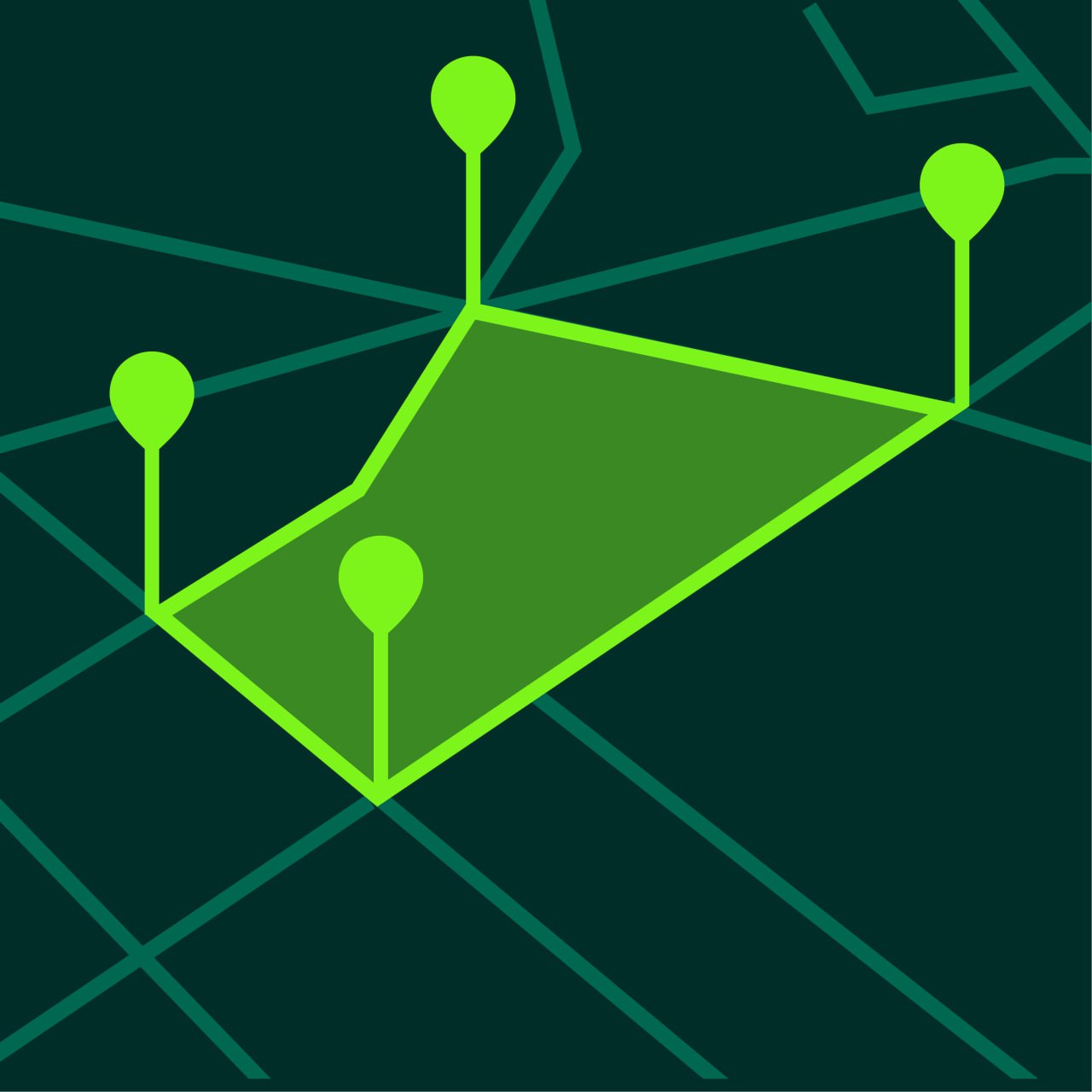
When you use a GPS land measurement app, the app creates a polygon from the points you place on the map and then calculates the enclosed area automatically.
Why Calculate Acreage on a Phone
Phone-based acreage calculation is useful because it is:
- fast
- portable
- simple
- accessible anywhere
You do not need measuring tapes or dedicated surveying equipment for a basic estimate.
This is especially useful for:
- checking field size
- estimating lot area
- comparing parcels
- planning fencing or irrigation
- preparing for landscaping
How to Calculate Acreage with Your Phone
Step 1 — Open a GPS Area Measurement App
Use a GPS land measurement app such as GeoMark.
Allow location access if needed.
Step 2 — Find the Land on the Map
Search for the field, lot, or property you want to measure.
Switch to satellite view if the land outline is easier to see there.
Step 3 — Select Area Measurement Mode
Choose the area tool.
This mode is designed to create a closed shape around the land.
Step 4 — Place Points Around the Boundary
Tap around the outer edge of the land.
Add points at:
- corners
- bends
- curves
- direction changes
More points usually produce a more realistic outline.
Step 5 — Close the Shape
Once the final point connects back to the first one, the app calculates total area.
Step 6 — View the Result in Acres
Set the measurement unit to acres if it is not already selected.
Most apps also support:
- hectares
- square meters
- square feet
Tips for More Accurate Acreage Calculation
Use Satellite View
Satellite imagery usually makes the edge of the land easier to identify.
Add Enough Points
Irregular field shapes need more points than rectangular lots.
Zoom In Closely
Placing points carefully improves accuracy.
Check the Unit Before Saving
Make sure the app is showing acres if that is the unit you want to use.
When Acreage Calculation is Most Useful
Acreage measurement is useful for many purposes.
Farming
Farmers often need acreage estimates for planting, fertilizer planning, and yield expectations.
Property Comparison
Buyers compare land parcels by area.
Landscaping
Large landscaping projects often depend on area estimates.
Land Maintenance
Acreage helps estimate mowing, irrigation, and treatment needs.
Acres vs Other Units
Different regions use different units for land measurement.
Common units include:
- acres
- hectares
- square meters
- square feet
Acres are especially common for farmland and larger land parcels.
If needed, many apps allow you to switch units after measurement.
Common Mistakes When Measuring Acreage
Not Closing the Shape Properly
The boundary must connect back to the start point.
Using Too Few Points
This can oversimplify the shape and reduce accuracy.
Measuring the Wrong Boundary
Double-check that you are following the actual land edge.
Ignoring Map Visibility
Poor visibility can make point placement less accurate.
Frequently Asked Questions
Can I calculate acreage with my iPhone?
Yes. GPS measurement apps allow you to calculate acreage directly on your iPhone.
Is acreage measurement on a phone accurate?
It is usually accurate enough for estimation, planning, and field work.
Can I switch from acres to hectares?
Yes. Most apps support multiple land units.
Can I measure both small and large plots?
Yes. GPS land measurement apps work for both.
Calculate Acreage Quickly with GeoMark
GeoMark lets you calculate acreage with your phone by placing points directly on the map.
You can measure land in acres, review boundaries clearly, and save your projects for later.