GPS Area Calculator for Farming: How It Helps Measure Fields
Learn how a GPS area calculator helps farmers measure field size and plan work more efficiently.
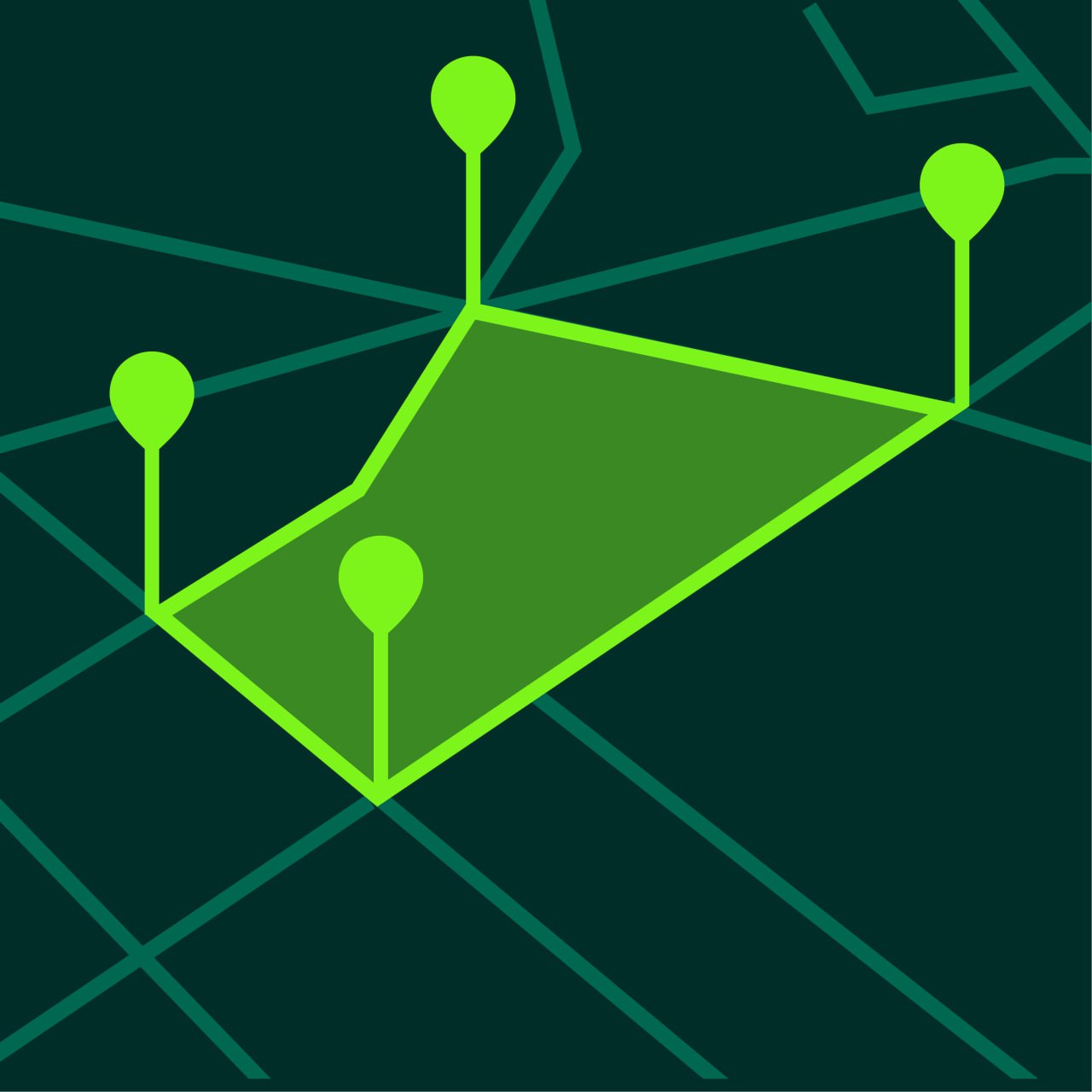
A GPS area calculator is a practical tool for farming because it helps measure field size quickly and consistently. Instead of estimating land manually, farmers can use a phone to outline fields on a map and calculate area in just a few steps.
This guide explains how GPS area calculators help with farming and why they are useful for everyday field work.
What is a GPS Area Calculator
A GPS area calculator is a measurement tool that uses map points and GPS positioning to calculate the size of land.
For farming, this usually means measuring:
- field area
- perimeter distance
- route length
- land sections
- irregular boundaries
A GPS area calculator can display results in units such as:
- acres
- hectares
- square meters
Why Field Area Matters in Farming
Field area is one of the most important numbers in farm planning.
It affects:
- planting estimates
- seed usage
- fertilizer planning
- pesticide planning
- irrigation estimates
- yield expectations
Without a good area estimate, planning becomes less reliable.
How Farmers Use GPS Area Calculators
Measuring a Full Field
A farmer can outline the outer field boundary and calculate total size instantly.
Measuring Sections of a Field
Different sections can be measured separately for comparison or treatment planning.
Estimating Input Needs
Knowing the area makes it easier to estimate how much material is required.
Saving Field Projects
Projects can be saved and reviewed later, which is useful for seasonal work.
How to Measure a Farm Field with a GPS Area Calculator
Step 1 — Open the App
Use a GPS land measurement app such as GeoMark.
Step 2 — Switch to Satellite View
Satellite view often makes field edges easier to identify.
Step 3 — Start Area Measurement
Choose the area calculator mode.
Step 4 — Place Points Around the Field
Tap around the field edge carefully.
Add points at every major change in direction.
Step 5 — Review Area and Perimeter
The app shows area and, in most cases, perimeter as well.
Step 6 — Save the Result
Save the field so you can return to it later.
Benefits of GPS Area Calculators for Farmers
Faster Planning
Field size can be measured in minutes.
Better Accuracy than Guessing
A map-based outline is much more reliable than visual estimation.
Works for Irregular Fields
Many farm fields are not perfect rectangles.
A GPS area calculator handles irregular boundaries much better than rough mental estimates.
Portable and Convenient
The tool is always available on your phone.
Tips for Better Farm Measurement Results
Measure When Boundaries Are Clear
It is easier to place points accurately when the field edge is visible.
Use More Points on Complex Edges
Irregular fields need additional points.
Save Fields with Clear Names
Naming fields clearly makes future work easier.
Compare Measurements Over Time
Saved projects help track changes or compare sections.
When GPS Area Calculation is Most Useful in Farming
GPS area calculation is especially useful for:
- field planning
- land preparation
- crop rotation planning
- treatment estimates
- comparing parcels
- reporting field sizes internally
Common Questions from Farmers
Can a phone measure farm area accurately?
Yes, for most planning and operational tasks it is accurate enough.
Is GPS area calculation useful for small farms?
Yes. It works for both small and large fields.
Can I measure perimeter too?
Yes. Most apps calculate both area and perimeter.
Can I save multiple fields?
Yes. Project saving is one of the most useful features.
Farm Measurement Made Easier with GeoMark
GeoMark gives farmers a simple GPS area calculator for measuring fields, boundaries, and routes.
You can outline fields on the map, calculate area instantly, and save projects for future farm planning.