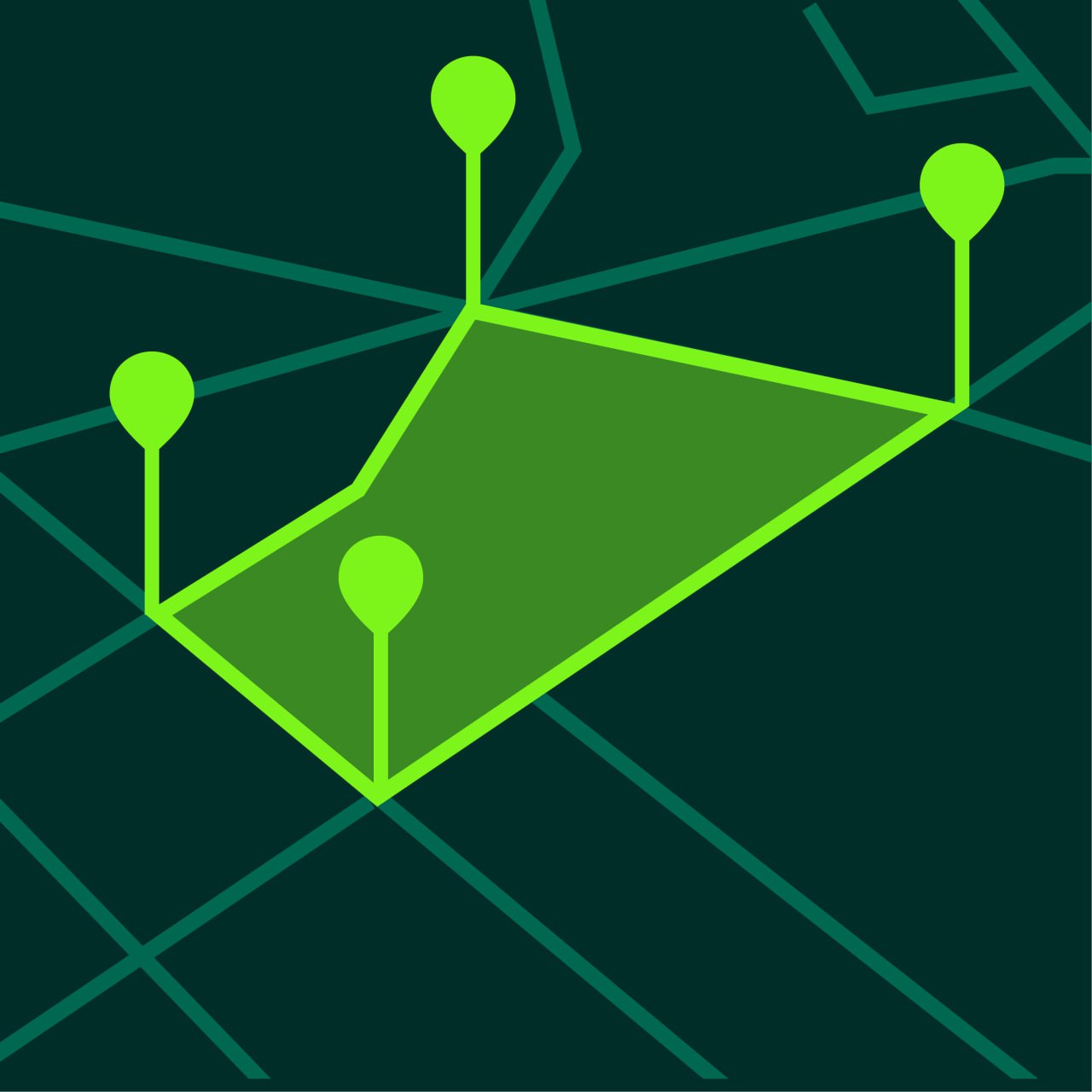
Can You Measure Land with Google Maps?
Learn whether you can measure land with Google Maps and when a dedicated GPS measurement app is a better choice.
Many people ask whether they can measure land with Google Maps. The answer is yes, to a point. Google Maps can help estimate distance and sometimes area, but dedicated GPS land measurement apps usually provide a better workflow for repeated land measurement, saved projects, and specialized measurement tools.
This guide explains when Google Maps is useful and when a dedicated measurement app is the better option.
Can Google Maps Measure Land
Google Maps can be used for basic land-related measurements.
You can often estimate:
- point-to-point distance
- route length
- rough perimeter
- simple area outlines
For quick one-time checks, that may be enough.
However, Google Maps is not designed primarily as a dedicated land measurement workflow.
What Google Maps is Good For
Google Maps can be useful when you want to:
- inspect a location quickly
- estimate distance between points
- get a rough idea of parcel size
- check land layout visually
This makes it useful for light, occasional measurement needs.
Limitations of Google Maps for Land Measurement
Google Maps has several limitations for people who need regular measurement work.
Less Specialized Workflow
A dedicated GPS measurement app is built specifically for:
- area measurement
- perimeter measurement
- project saving
- land-focused planning
Fewer Measurement Tools
Specialized apps usually provide smoother workflows for land and field measurement.
Not Ideal for Repeated Projects
If you want to save projects and compare them later, a dedicated app is usually more convenient.
Less Focus on Land Use Cases
Google Maps is designed for general mapping and navigation, not specifically for measuring fields, yards, or property layouts.
When a GPS Land Measurement App is Better
A dedicated app is usually better when you need to:
- measure fields regularly
- estimate land area often
- save multiple projects
- switch units easily
- measure both area and perimeter
- work with yard, property, or farm layouts
How to Measure Land More Effectively
If you want a better land measurement workflow, use a GPS land measurement app.
Step 1 — Open the App
Use a land measurement app such as GeoMark.
Step 2 — Choose the Correct Tool
Use area mode for land size and distance mode for perimeter or route length.
Step 3 — Place Boundary Points
Tap points around the land shape carefully.
Step 4 — Review the Calculated Result
The app displays the result instantly.
Step 5 — Save the Project
Save measurements for later review.
Google Maps vs Dedicated Measurement Apps
Google Maps
Best for:
- quick location review
- basic distance checks
- rough visual estimates
GPS Land Measurement Apps
Best for:
- area calculation
- field measurement
- property planning
- perimeter measurement
- saved projects
- repeated workflows
Which Option is Better for Different Users
Homeowners
A dedicated app is often better for yard or fence planning.
Farmers
Specialized tools are much better for repeated field measurements.
Land Buyers
Both can help, but a dedicated app usually gives clearer results.
Contractors and Landscapers
Project-saving and better workflows make dedicated apps more practical.
Frequently Asked Questions
Can Google Maps measure land area?
It can help with rough estimates, but dedicated measurement apps usually provide a better workflow.
Is Google Maps enough for property planning?
For basic checks, sometimes yes. For more serious planning, a dedicated measurement app is usually better.
What is the benefit of a dedicated measurement app?
Faster workflow, project saving, better land tools, and more focused measurement features.
Can I measure perimeter and area in the same app?
Yes. Dedicated GPS measurement apps usually support both.
Measure Land More Efficiently with GeoMark
GeoMark gives you a more focused way to measure land than general-purpose map tools.
You can calculate area and perimeter, switch map layers, and save projects for future use.