Best Way to Measure Land with a Phone
Learn the best way to measure land with a phone using GPS tools and map-based measurement.
If you want to measure land with a phone, the best method is usually a GPS land measurement app with map-based point placement. This gives you a fast and practical way to estimate land area, perimeter, and route distance without special equipment.
This guide explains the best way to measure land with a phone and what features matter most.
Why People Measure Land with a Phone
Phone-based land measurement is popular because it is:
- fast
- portable
- easy to use
- practical for everyday work
It is useful for:
- farmland
- property estimates
- landscaping
- route planning
- fencing
- yard planning
The Best Method: GPS Map Measurement
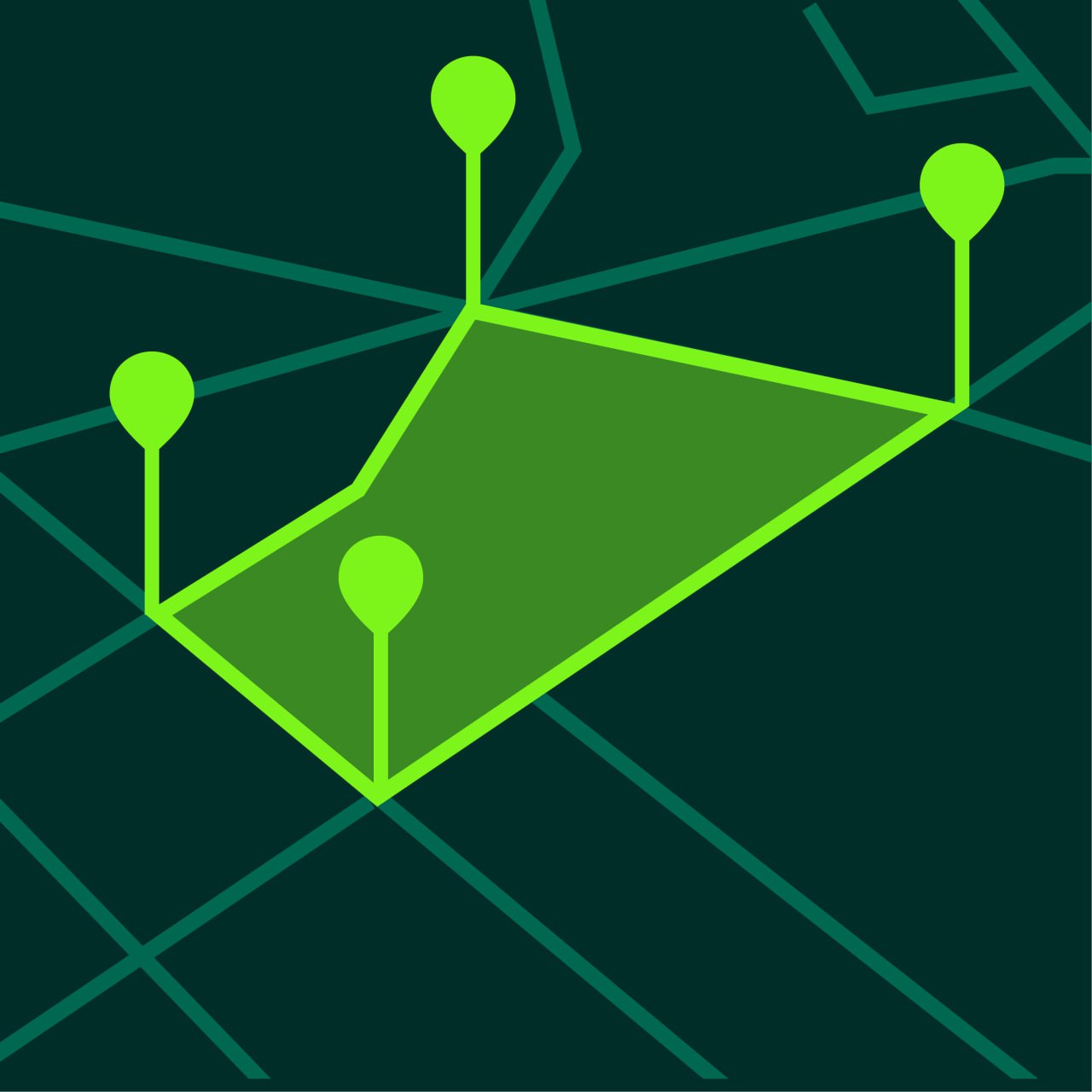
The best way to measure land with a phone is to use a GPS app that allows you to place points directly on the map.
This method works well because it combines:
- digital maps
- GPS positioning
- automatic area calculation
- automatic distance calculation
It is especially useful when you need quick estimates or want to save projects for later.
Features of a Good Land Measurement App
A strong land measurement app should include:
Area Measurement
You should be able to create a closed boundary and calculate total area.
Distance Measurement
Perimeter and route measurement are essential for many projects.
Satellite Maps
Satellite view usually makes land edges easier to identify.
Multiple Units
The app should support units such as:
- acres
- hectares
- square meters
- square feet
Project Saving
Saved projects make long-term planning easier.
How to Measure Land with a Phone
Step 1 — Open the Measurement App
Use an app such as GeoMark.
Step 2 — Find the Land on the Map
Locate the parcel, field, lot, or yard you want to measure.
Step 3 — Choose Area or Distance Mode
Choose area mode for enclosed spaces and distance mode for linear measurements.
Step 4 — Place Points Carefully
Tap around the outer edge of the land.
Use more points for irregular shapes.
Step 5 — Review the Result
The app calculates area or distance instantly.
Step 6 — Save the Project
Saved measurements help with later planning or comparison.
Why This Method is Better Than Guessing
Visual estimates often lead to errors.
A GPS map-based method is better because it gives:
- a visible boundary
- a real calculated result
- flexible units
- saved projects
When Measuring Land with a Phone Works Best
Phone-based land measurement works especially well for:
- planning
- estimating
- comparing land sections
- field work
- landscaping
- quick project prep
It is less suitable when legal certification is required.
Tips for Better Phone-Based Land Measurement
Use Satellite View
This helps identify edges and corners.
Zoom In Before Adding Points
Better visibility improves point placement.
Add More Points on Irregular Shapes
Complex shapes need more detail.
Work in Open Conditions When Needed
Good GPS conditions help in field measurement.
Common Mistakes
Using the Wrong Tool
Use area mode for enclosed land and distance mode for paths or fence lines.
Placing Too Few Points
This can oversimplify the land shape.
Forgetting to Change Units
Make sure the result is displayed in the unit you need.
Relying on It for Legal Certification
It is a planning tool, not a legal survey replacement.
Frequently Asked Questions
Can I measure land accurately with my phone?
Yes, for most planning and estimation tasks.
What is the best app feature for land measurement?
Area calculation, satellite view, and project saving are the most useful.
Can I measure both area and perimeter?
Yes. Most good measurement apps support both.
Is this useful for fields and property?
Yes. It works well for both.
Measure Land More Easily with GeoMark
GeoMark gives you a simple and practical way to measure land with your phone.
You can calculate area and distance directly on the map, switch units, and save projects for later.